Access control and filtering
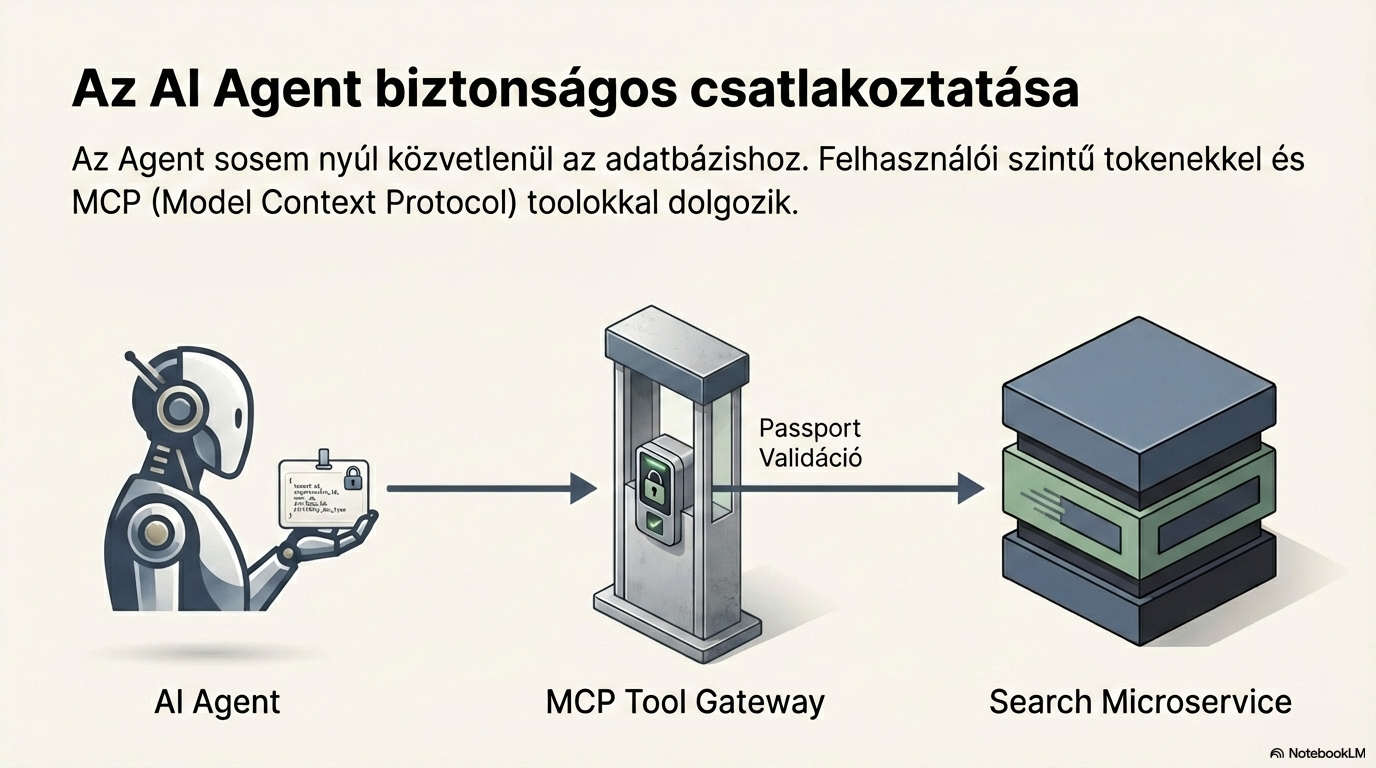
Every search begins with access control. The system reads the Passport JSON to determine which organisation the user belongs to and which documents they can access. This ensures that every response contains only documents the user is entitled to see.
InputSearch term + Passport JSON
→
OutputFiltered document ID list
1
2
Basic document processing (OCR)
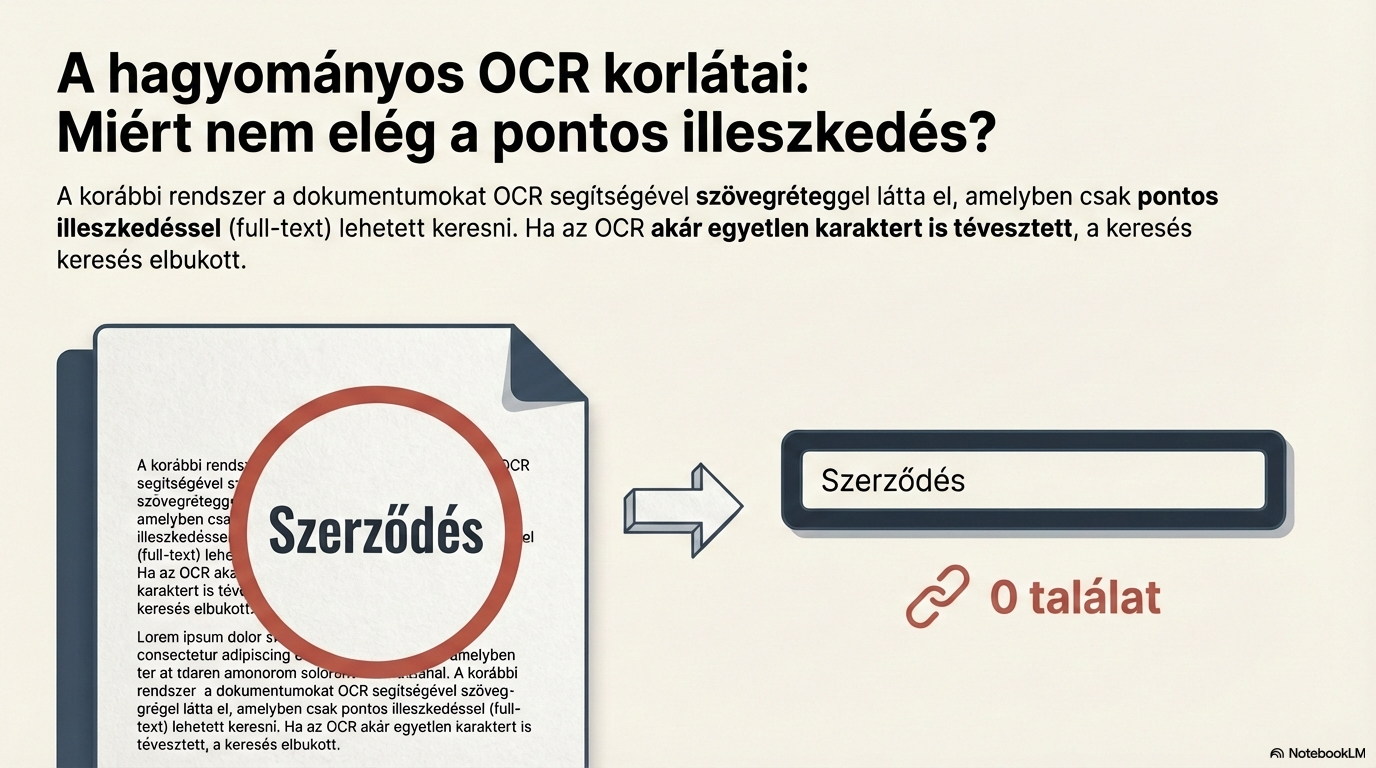
The text layer of the document is produced via optical character recognition (OCR). For scanned documents this step is essential — it is the foundation for every downstream operation.
InputPhysical or digital document
→
OutputText layer (full text)
Text normalisation
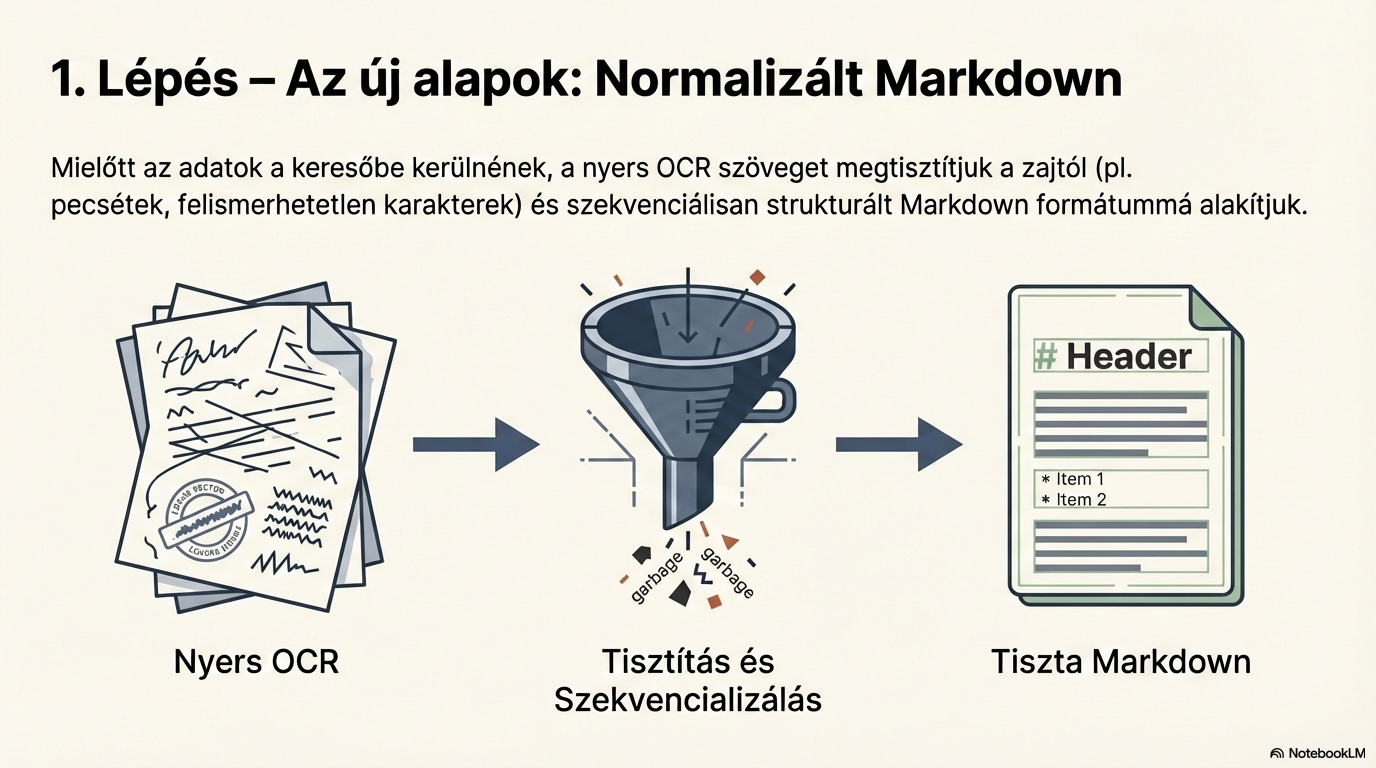
The raw OCR text is converted into structured Markdown. Noise is removed (repeated headers/footers, page numbers), producing clean, consistent text ready for AI processing.
InputOCR text
→
OutputNormalised Markdown document
3
4
Document type detection
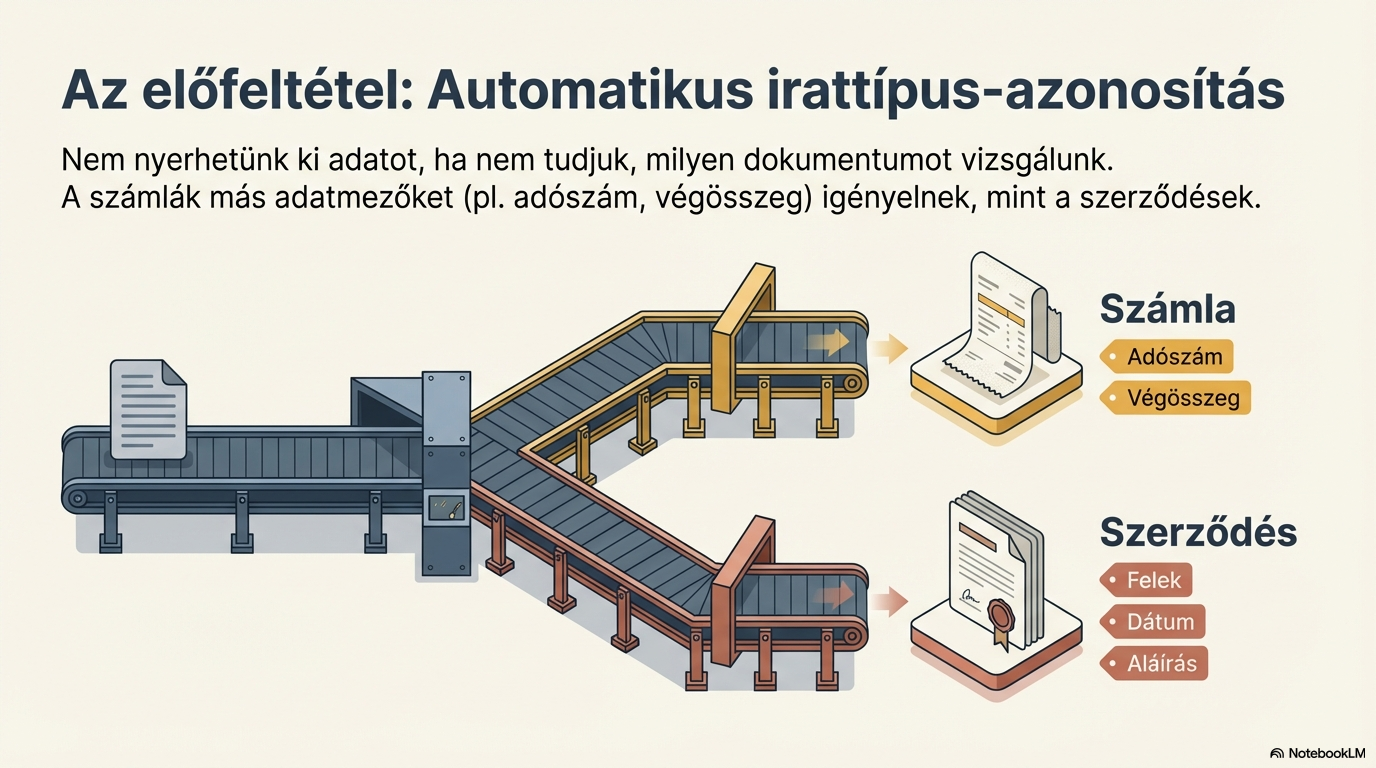
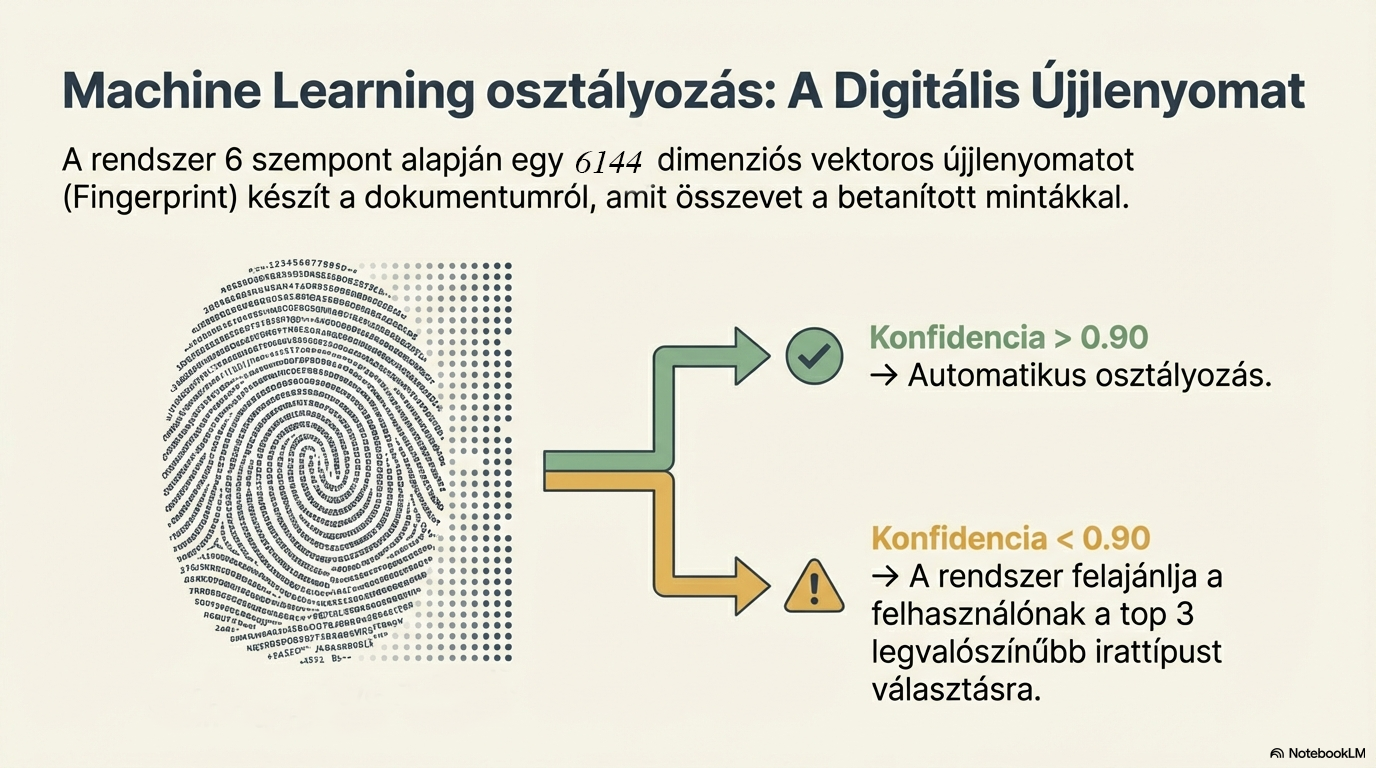
The document is converted into a 6144-dimensional vector (fingerprint), and machine learning recognises its type. The system compares it with trained sample fingerprints and classifies with a 0.9–0.95 threshold.
Input6144-dimensional vector (fingerprint)
→
OutputDocument type (e.g. invoice)
Structured data extraction
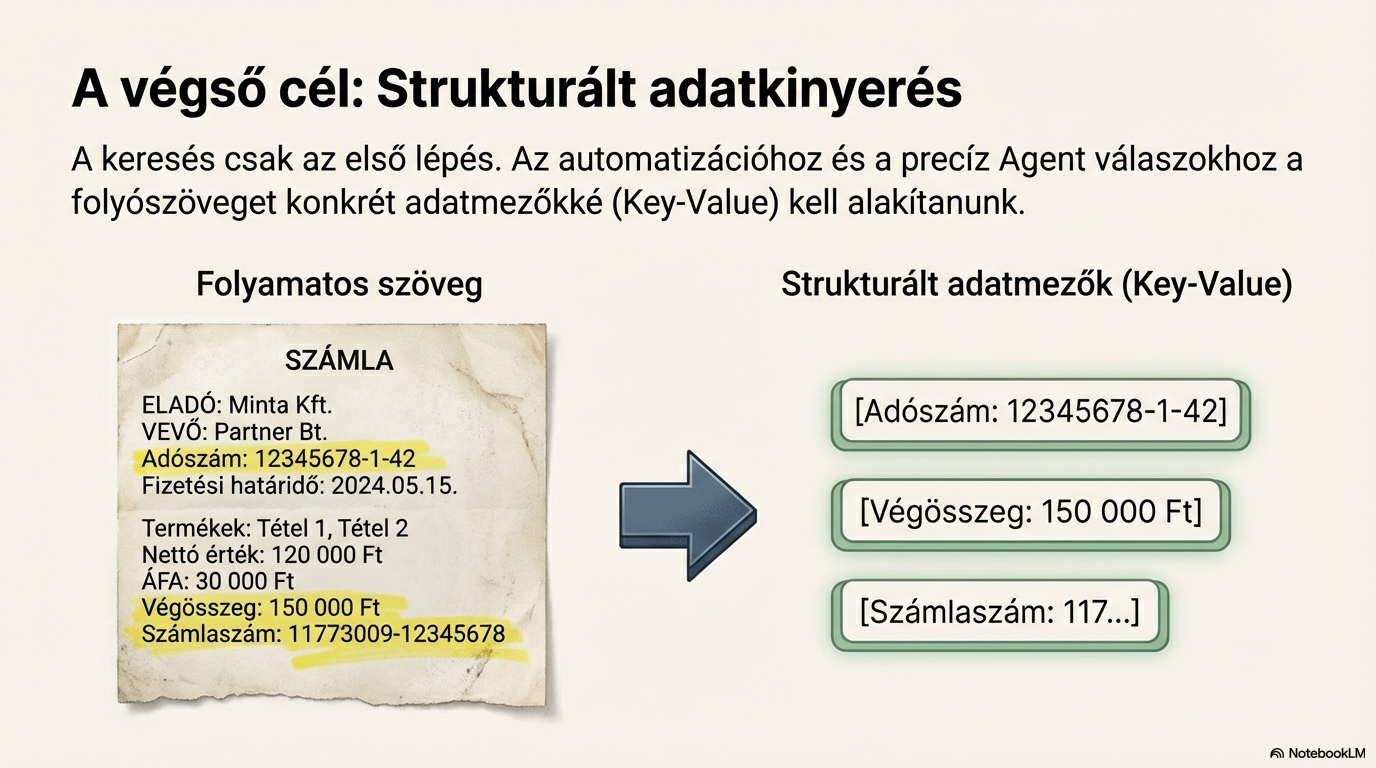
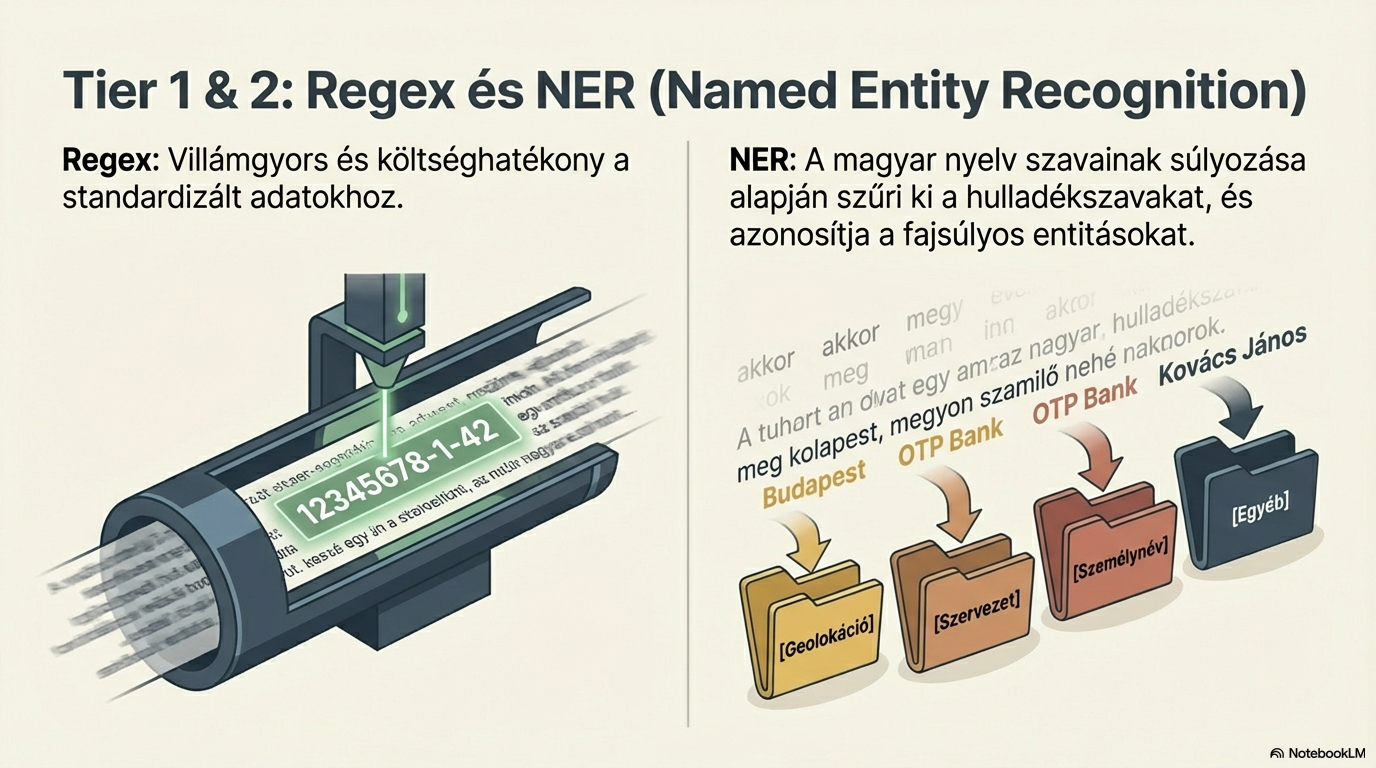
Based on the detected document type, the system extracts key-value pairs: tax numbers, amounts, dates, names. Three techniques are combined: regular expressions, named-entity recognition (NER), and LLM-based extraction.
InputNormalised Markdown text
→
OutputKey-value pairs (structured fields)
5
6
Elastic search
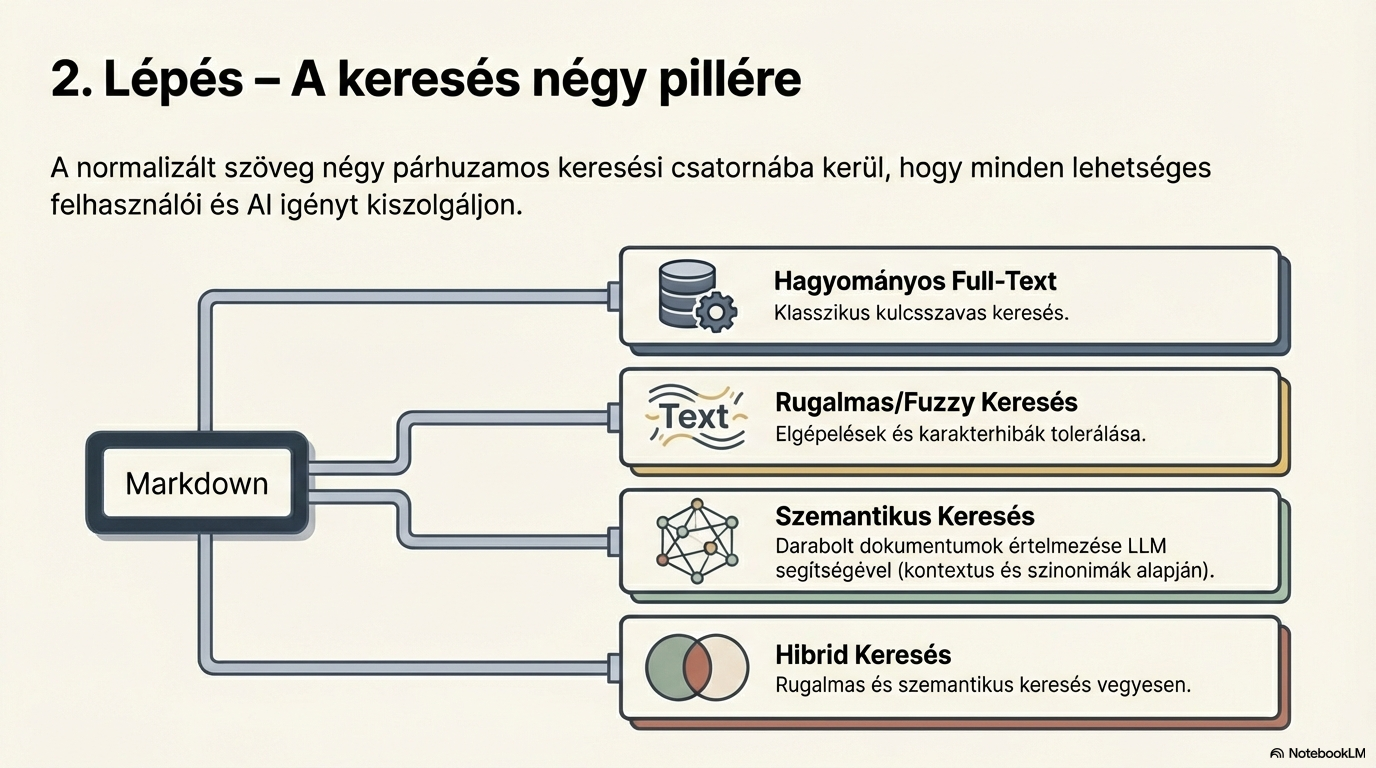
The normalised text is placed into an elastic search index. This provides classic text search: exact-phrase, partial match, filters, and similarity search on the structured fields.
InputNormalised text
→
OutputIndexed documents
Semantic search
Documents are chunked and vectorised: each chunk becomes a 1024-dimensional vector. These are stored in the Qdrant vector database, enabling meaning-based search — matching intent, not just words.
InputDocument chunks
→
OutputVector representation
7
8
Hybrid search (RAG preparation)
In the final step, elastic and semantic search results are combined. The best matches from both sources are merged and re-ranked: the first pass picks 30 hits, and the Top 10 are returned to the user.
InputElastic + semantic hits
→
OutputTop 10 ranked results